
KeePass
Password Safe
 |
KeePass 2.61 released |
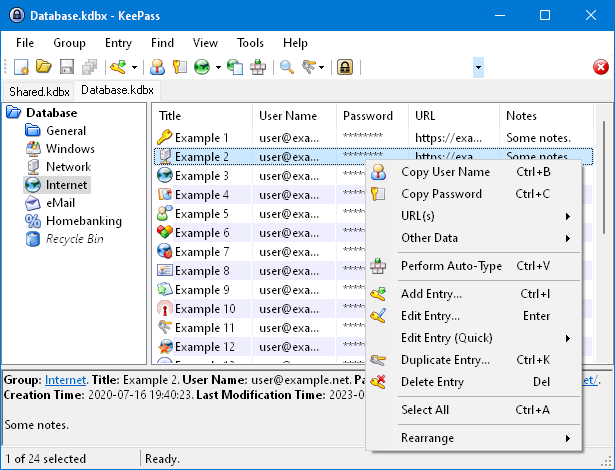 KeePass 2.61 has been released today!
You can get it here:
Download KeePass 2.61.
This is a stable release. It is recommended to upgrade from any
previous 2.x version to 2.61.
KeePass 2.61 mainly features user interface and integration enhancements,
and various other minor new features and improvements.
Hashes and signatures for integrity checking
are available, and program binaries are digitally signed (Authenticode).
New translations are available, too.
For a comparison of the current KeePass 1.43 and 2.61, see:
Edition Comparison.
If you like KeePass, please don't forget to donate.
Changes from 2.60 to 2.61:
New features:
- Added option 'Match diacritics' in the 'Find' dialog (turned off by default, i.e. the search is diacritic-insensitive).
- If the option 'Check for update at KeePass startup' is activated, KeePass now initiates the check before trying to open a database (asynchronously); if an update is found while a master key prompt dialog is displayed, the availability of the update is indicated by a banner in the dialog.
- When pasting a shared secret in the one-time password generator settings dialog, white-space characters are now removed automatically if the selected encoding is Base16/Hex, Base32 or Base64.
- Added buttons in the one-time password generator settings dialog for copying the current one-time password to the clipboard.
- The one-time password generator settings dialog now supports displaying settings of history entries.
- If the active database is saved to a local file during the last phase of a synchronization, the saved data is now copied to the other involved files (including URLs; this is usually faster than building and saving new files).
- The 'Synchronize active database with a file/URL' trigger action now supports synchronizing with multiple files/URLs at once (specify them in the 'File/URL' field, each one enclosed in double quotation marks; if different I/O connection credentials are required, use multiple actions instead).
- The 'Synchronize active database with a file/URL' trigger action now supports two new options: 'On error - Silent' and 'On error - Continue' (both turned off by default).
- When entering an incorrect master key for confirming an
export,
KeePass now asks for it again, just as often as when
opening a database (customizable using the '
MasterKeyTries' configuration option). - MSI setup: added '
KPS_OPTIONS' property, which allows to customize a (silent) installation (whether to create shortcuts, etc.).
Improvements:
- Quick searches, searches in the icon picker dialog, field reference searches, filters in report dialogs and searches in the options dialog are now more tolerant (case- and diacritic-insensitive, current culture rules).
- Entry searches now use the rules of the current culture.
- Improved activation of an already running KeePass instance.
- When switching to a secure desktop, the UAC sound is now played (if the option 'Play UAC sound when switching to secure desktop' is activated) at the system sound volume (instead of the application-specific volume).
- Improved database tab tooltip (reduced flickering, etc.).
- When closing a database, the view of the next database is now restored.
- The
{TIMEOTP}placeholder is now classified as non-active (which causes it to be replaced in more situations). - Improved time stability of placeholders during searches for duplicate/similar passwords and password quality reviews.
- Improved import/synchronization of multiple files at once.
- Improved synchronization error messages.
- Improved file transaction error messages.
- Improved FTP connection error messages.
- Improved parsing of the value of a 'File/URL' or 'Key file' field of a trigger event/condition/action.
- Improved workaround for .NET/Windows
TopMost/WS_EX_TOPMOSTdesynchronization bug. - Improved workaround for Mono window minimization bug.
- Upgraded installer.
- MSI setup: improved shortcut creation/deletion.
- Various UI text improvements.
- Various code optimizations.
- Minor other improvements.
Bugfixes:
- In the entry dialog, editing one-time password generator settings does not cause the repeated password to be set to the password anymore.
- When synchronizing the active database with a manually selected file/URL, the trigger events 'Synchronizing database file' and 'Synchronized database file' are now raised as expected.
Changes from 2.61 to 2.61.1:
- Improved workaround for focus bug after returning from a secure desktop.
- Improved initial application of the 'Always on Top' option.
- Improved dialog management.
- Improved HTML viewer initialization.
- Reduced flickering in the 'Print' dialog.
- The option 'Unhide empty data' (in 'Tools' → 'Options' → tab 'Advanced') is now turned on by default.
- Improved filtering in the field reference creation dialog.
- Improved disposal of process objects.
- Improved performance of the initial key modifier release when performing auto-type on Unix-like systems with XDoTool.
- File transactions where the base file does not exist yet and is accessed via a URL do not fail anymore.
- Various code optimizations.
- Minor other improvements.